
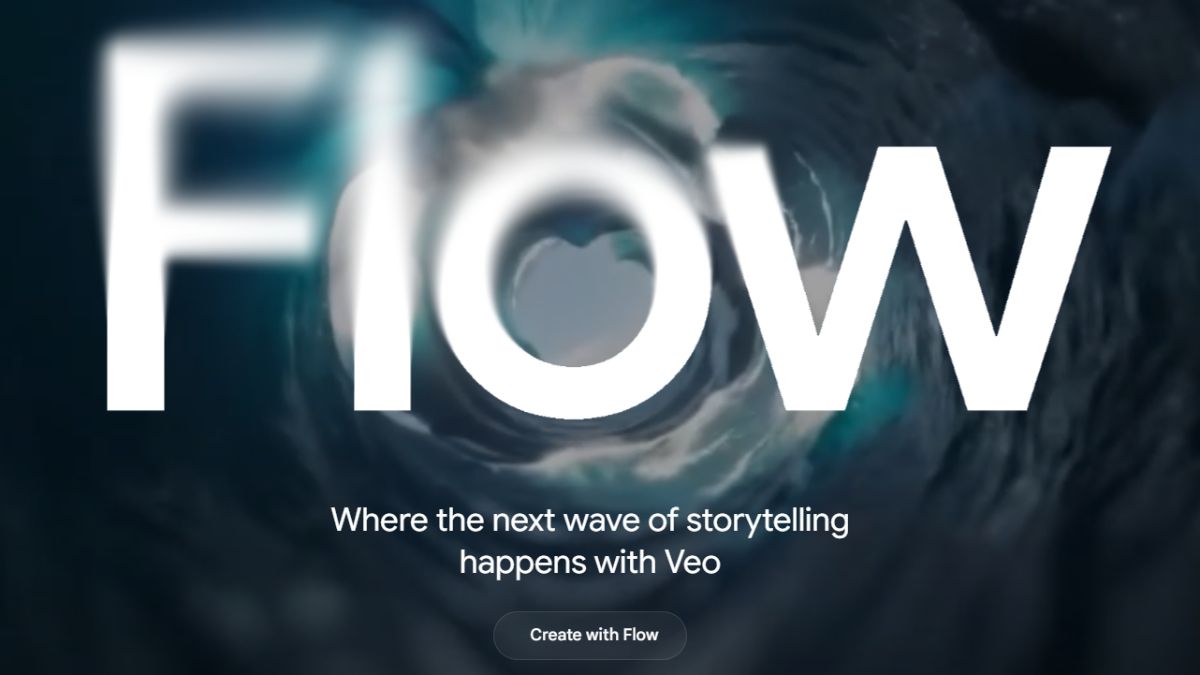
Google has expanded its AI video tool Flow to Google Workspace users, allowing businesses and schools to create videos using simple text prompts. The tool, powered by Google’s Veo 3.1 model, supports cinematic visuals, vertical formats, and basic editing features. This move makes AI-powered video creation a built-in workplace capability rather than a premium add-on.
Google is widening access to its generative video tool Flow by embedding it directly into Google Workspace editions used by businesses, schools, and teams. Originally offered only to Google AI Pro and AI Ultra subscribers, Flow is now rolling out to Workspace plans such as Business, Enterprise, and Education, making advanced AI video creation more broadly accessible.
Flow enables users to generate high-definition video content using simple text prompts and images, accelerating creative workflows in professional and educational settings.
Why it matters
The wider distribution of Flow signals Google’s intent to integrate generative AI tools deeper into everyday productivity software rather than keeping them locked behind premium tiers. With this update, organizations can streamline multimedia content creation without relying on external editing suites or specialized skills.
Powered by Google’s Veo 3.1 video generation model and the Nano Banana Pro image AI, Flow can create short clips, cinematic scenes, and complete narratives from plain language input. These capabilities can transform how teams produce training videos, marketing content, and visually rich presentations.
Google also highlights the potential for academic use, allowing students and educators to turn textual concepts—such as historical events or scientific ideas—into engaging visual stories. This fusion of AI with core productivity tools could lower barriers to multimedia creation across organizations of all sizes.
What to watch
Admin Controls and Deployment:
Workspace administrators now have fine-grained control over Flow’s availability. It is added as an “additional Google service,” meaning it will be enabled by default in domains that already allow such services, but can be turned off for specific groups or departments to match internal policies or compliance needs.
Use Cases Beyond Social Clips:
Beyond quick social media content, Flow is positioned as a tool that can speed up internal video production tasks—such as onboarding clips, instructional content, and concept prototyping—by turning simple ideas into polished visuals with minimal effort.
Feature Set and Enhancements:
Flow offers capabilities such as stitching together multiple clips into longer sequences, adjusting visual elements like lighting and camera angles, and incorporating AI-generated imagery into videos. Recent enhancements include vertical video support for mobile-first formats and richer audio options.
Ongoing Evolution:
Google continues to refine the underlying AI models for Flow, adding functionality that increases creative control and output quality. As AI-driven video tools evolve, how companies and educators adopt them will be key to understanding broader impacts on content workflows and multimedia literacy.