

Last Updated on April 16, 2026 by Spencer Lee
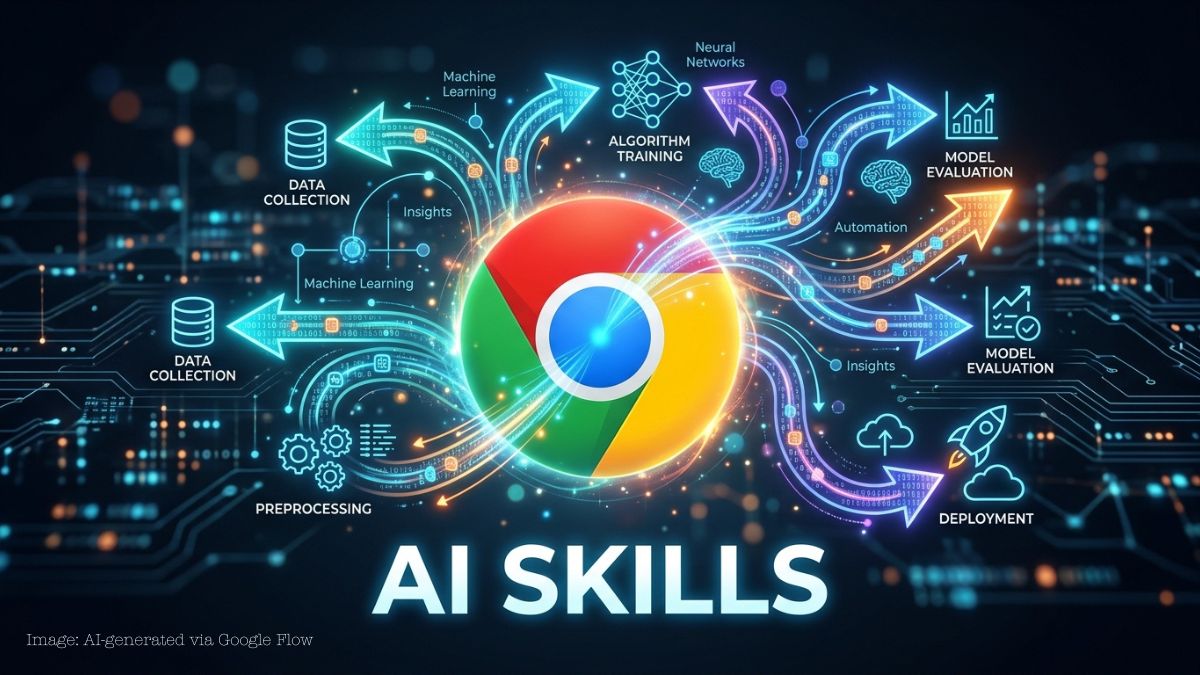
Google is introducing AI-powered “Skills” in Chrome to automate workflows directly within the browser. The feature allows users to perform multi-step tasks like research and form-filling with minimal input, signaling a shift toward browser-based AI assistants.
Web browsers are evolving beyond simple navigation tools into productivity platforms powered by AI. As users spend more time working directly in browsers, companies are integrating automation features to streamline repetitive tasks and improve efficiency.
At the same time, AI development is moving toward systems that can handle multi-step workflows instead of single prompts. This shift reflects growing demand for tools that can execute tasks, not just respond to queries, especially in professional and productivity-focused environments.
What are Google Chrome “AI Skills”?
Google Chrome’s AI Skills are reusable workflows that allow users to run saved prompts across multiple web pages with minimal input.
Users can create a prompt once—such as summarizing content or comparing products—and save it as a Skill. That Skill can then be triggered on any webpage, enabling repeatable automation without retyping instructions.
Google (2026) states that Skills allow users to “save and reuse your most helpful AI prompts and run them with a single click,” turning prompts into one-click tools.
How do AI Skills change the way users interact with Chrome?
AI Skills improve workflows by turning repetitive tasks into automated, reusable actions that can run across multiple tabs and pages.
Instead of manually repeating the same steps, users can apply a single Skill to analyze, summarize, or compare information across different websites simultaneously. This reduces friction and transforms browsing into a more efficient, task-oriented experience.
Reports confirm that Skills can run across selected tabs and pull information from multiple pages, enabling more complex workflows than traditional browser tools.
Why is Google introducing AI workflows in Chrome now?
Google is introducing AI workflows to compete in the growing market for agent-based productivity tools and to keep users within its ecosystem.
As AI assistants become more capable, companies are racing to integrate automation directly into core products like browsers. Chrome’s dominance gives Google an advantage in deploying these features at scale, potentially transforming how users interact with the web.
What does this mean for the future of web browsers?
The introduction of AI Skills signals a shift toward browsers becoming full productivity platforms rather than just access points to websites.
As automation becomes more integrated, users may rely less on separate apps and more on browser-based workflows. This could reshape how software is used, with the browser acting as the central hub for both information and task execution.
What happens next?
Google is expected to expand AI Skills in Chrome throughout 2026, adding more workflows and deeper integrations across Google services. As competition intensifies, other companies may introduce similar features, accelerating the shift toward agent-based browsing and redefining how users interact with the web.
To see how AI is evolving from assistants into autonomous systems, read “Microsoft Expands Copilot With OpenClaw-Inspired AI Agents”. It explains how companies are building AI that can execute tasks independently across workflows.