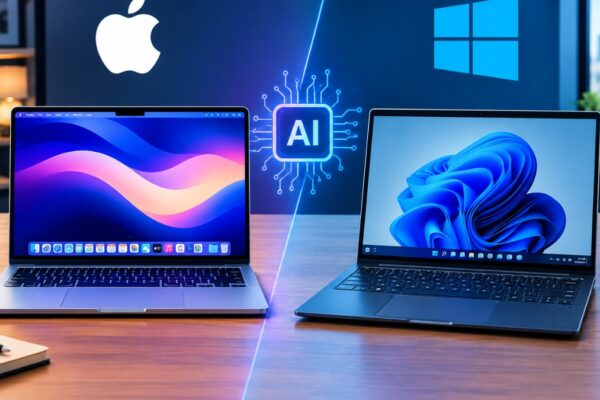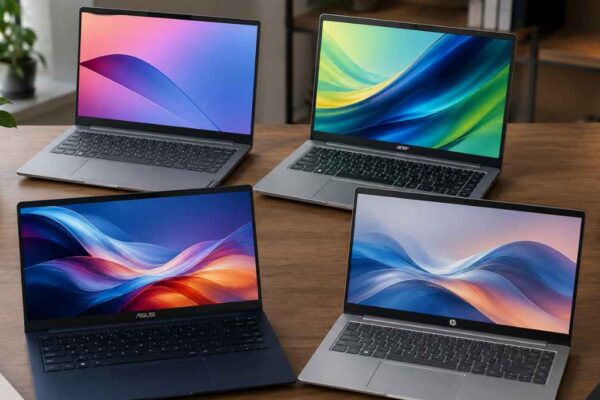

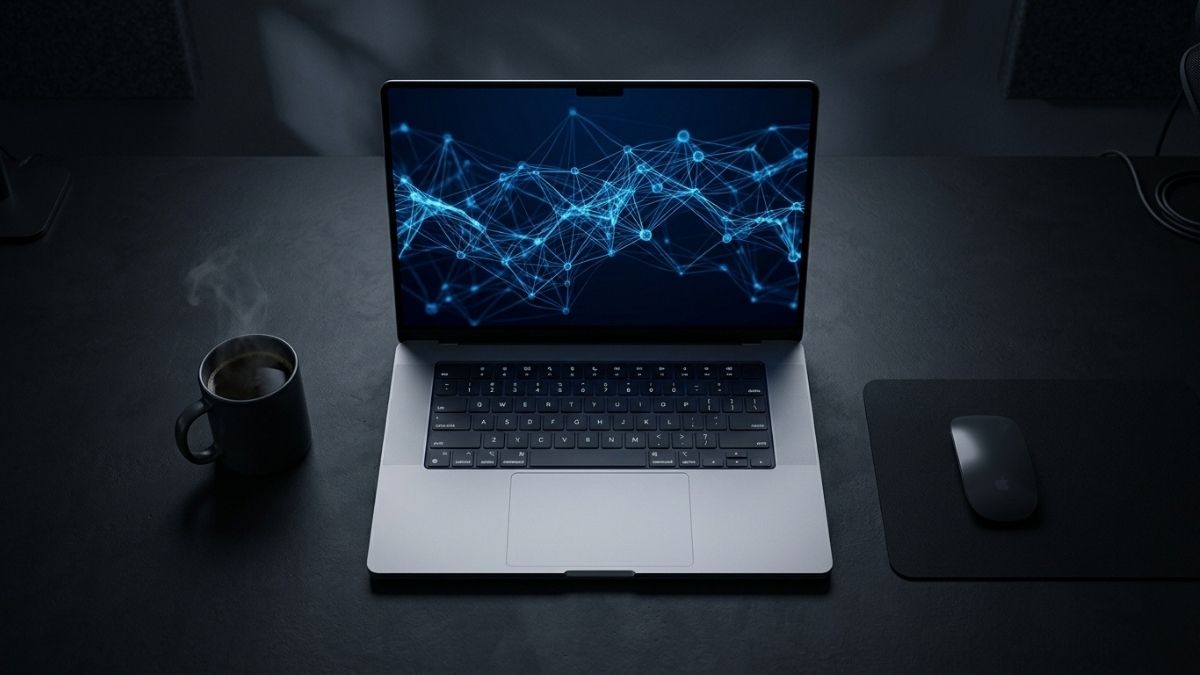
The best laptop for AI workloads in 2026 is the Razer Blade 14 for CUDA-based development, and the Apple MacBook Pro 16 (M4 Pro) for inference-heavy and on-device AI work. Your choice depends on whether your workflows require NVIDIA CUDA (PyTorch, TensorFlow training) or benefit from Apple Silicon’s unified memory architecture. For most AI developers, 32GB RAM, a discrete GPU with at least 12GB VRAM, and strong thermal management are non-negotiable. NPU-powered “AI PCs” like Copilot+ laptops handle background AI tasks well but are not substitutes for GPU-accelerated model training.
Best Laptops for AI Workloads in a Glance
| Laptop | GPU | VRAM | RAM | CUDA | Battery | Best for |
|---|---|---|---|---|---|---|
| Razer Blade 142026 | RTX 5070 | 12 GB | 32 GB | Yes | ~4–5 hrs | CUDA training |
| ASUS ROG Zephyrus G162026 | RTX 5080 | 16 GB | 32–64 GB | Yes | ~3–4 hrs | Heavy training |
| Razer Blade 16RTX 4090 | RTX 4090 | 16 GB | 32–64 GB | Yes | ~2 hrs | Most VRAM |
| MacBook Pro 16 M4 Pro | M4 Pro GPU | 24–48 GB* | 24–48 GB* | No (Metal) | ~18 hrs | Inference / on-device |
| MacBook Air M5 2026 | M5 GPU | 16–32 GB* | 16–32 GB* | No (Metal) | ~20 hrs | General AI use |
| Acer Nitro V 16s AI | RTX 5060 | 8 GB | 16–32 GB | Yes | ~8–12 hrs | Budget / beginner |
| Lenovo IdeaPad Slim 3x Snapdragon X | Snapdragon NPU | Integrated | 16 GB | No | ~15 hrs | Copilot+ / cloud AI |
Why Does Your Laptop Choice Matter for AI in 2026?
AI development has splintered into two distinct hardware paths. On one side, NVIDIA’s CUDA ecosystem remains the backbone of serious model training, where PyTorch and TensorFlow workloads depend on RTX-class GPUs with ample VRAM. On the other side, Apple Silicon has proven itself a legitimate platform for inference, local LLM experimentation via tools like Ollama and llama.cpp, and ML development in Python, all with industry-leading battery life.
By the end of this guide, you will know exactly which laptop fits your workflow, whether you are training models from scratch, running 7B to 70B parameter LLMs locally, building AI-powered applications, or doing data science and visualization work. Each recommendation is available on Amazon and has been selected based on GPU VRAM, thermal performance, sustained workload consistency, and real-world buyer feedback.
What Hardware Specs Actually Matter for AI Workloads?
GPU VRAM is the single most important spec for local AI workloads. In 2026, 8GB VRAM is the absolute floor, 12GB is the practical minimum for serious work, and 16GB or more is recommended if you plan to run unquantized models or train on mid-sized datasets locally. Insufficient VRAM forces the system to offload to slower CPU RAM, degrading performance significantly.
System RAM should be 32GB at minimum. ML pipelines, Docker containers, data preprocessing scripts, and your IDE together consume memory quickly. 16GB is a hard floor for any meaningful work; 64GB becomes relevant for researchers working with large datasets or multi-modal models.
Thermal design is often overlooked but critically important. AI workloads push GPUs to 100% utilization for extended periods, sometimes hours. Thin, light laptops throttle aggressively under sustained load, meaning their peak benchmark numbers do not reflect real-world performance. Workstation-class and gaming-chassis laptops sustain performance far better.
Key specs to evaluate before buying:
- GPU VRAM: 12GB minimum, 16-24GB preferred for training
- System RAM: 32GB baseline, 64GB for research-grade work
- CUDA support: Required for PyTorch/TensorFlow training; Apple Silicon uses Metal/MPS instead
- Thermal design: Thicker chassis means better sustained performance under load
- Storage: 1TB NVMe SSD minimum; datasets fill storage fast
- Display: High-resolution, color-accurate panels matter for data visualization
Which Laptops Are Best for CUDA-Based AI Training?
For developers using PyTorch, TensorFlow, or TensorRT, NVIDIA GPUs are non-negotiable. The CUDA ecosystem underpins the vast majority of AI training tooling, and no AMD or Apple GPU fully replaces it for this use case.
Also read: CUDA vs Apple Metal for Machine Learning: Which Is Better?
Razer Blade 14: Best Overall for CUDA Development
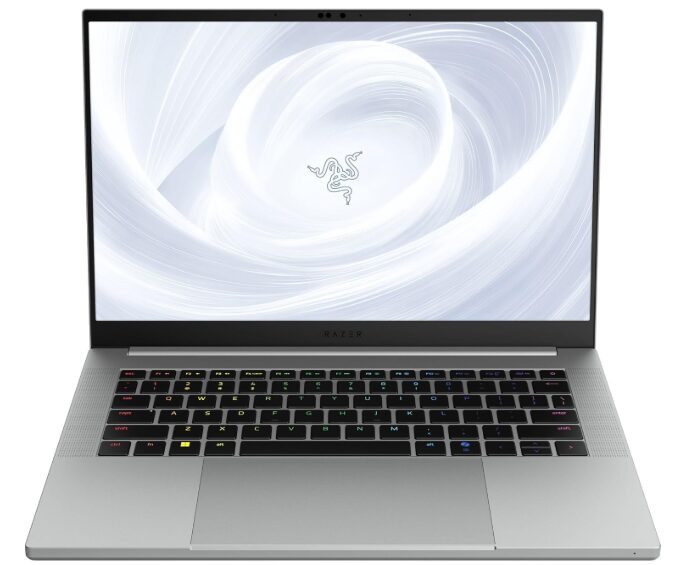
The Razer Blade 14 offers an RTX 5070 GPU with 32GB LPDDR5X RAM at 8000MHz, a combination that reviews consistently flag as the 2026 sweet spot for practical ML development. It delivers meaningful CUDA compute alongside that RAM configuration in a compact form factor. The 3K 120Hz OLED display is exceptional for long coding sessions and data visualization. The compact chassis means thermals are managed but not as open as a larger workstation laptop.
ASUS ROG Zephyrus G16: Best for Sustained Heavy Training Available on Amazon
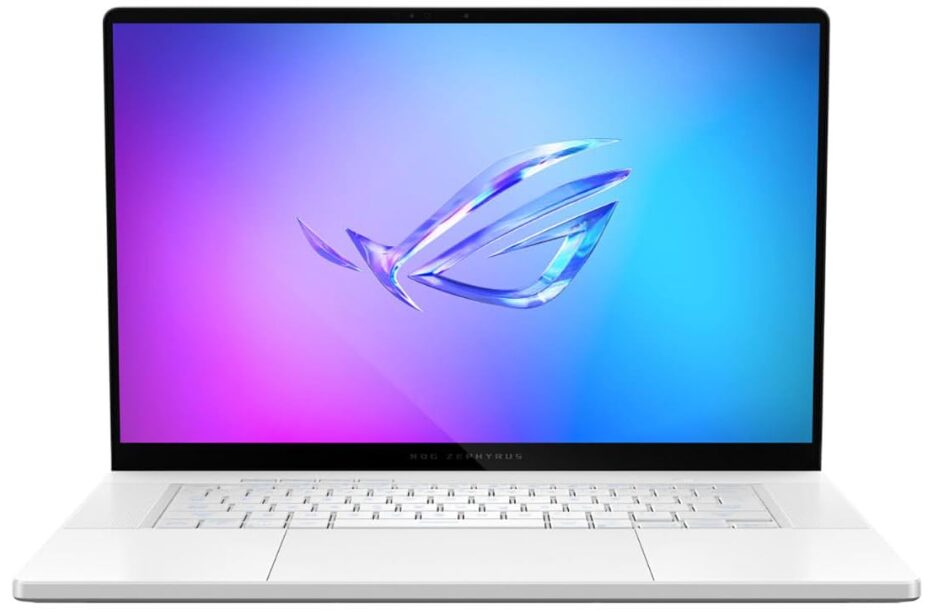
Built around sustained power delivery rather than peak benchmark numbers, the Zephyrus G16 with an RTX-class GPU handles long training sessions without the aggressive throttling seen in thinner machines. The larger chassis gives the GPU room to operate at full TDP for hours, which directly translates to faster training times on real workloads. Best for machine learning engineers who train large models locally and cannot afford to wait for throttled results.
Razer Blade 16 (RTX 4090): Most VRAM in a Razer Laptop
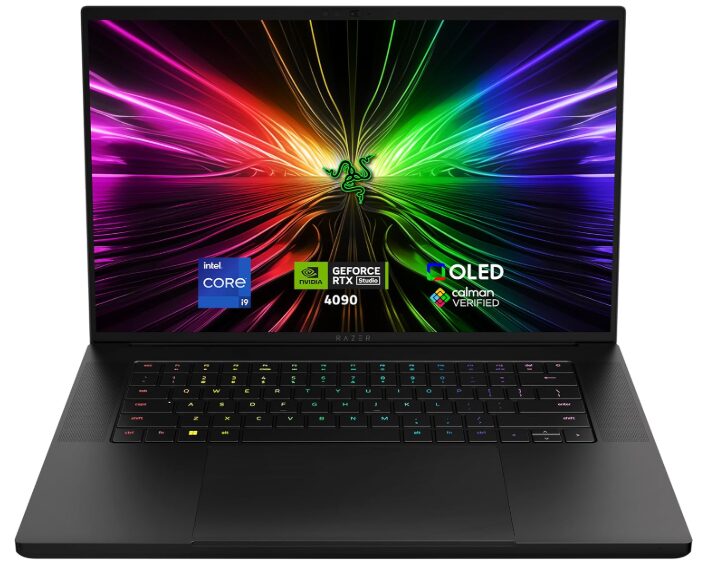
The Razer Blade 16 with RTX 4090 Laptop GPU carries 32GB GDDR5 VRAM, making it the highest-VRAM Razer Blade 16 configuration currently available on Amazon. It is the right pick when the Razer Blade 14 feels limiting and you need more headroom for running larger quantized models or doing sustained heavy inference locally. The larger chassis also gives the RTX 4090 more thermal room than compact alternatives, which translates to better sustained performance during long workloads. Battery life is shorter than thinner options, and it is heavier, but for raw GPU compute on Amazon it is the top Razer option available.
Is Apple Silicon Good for AI Work in 2026?
Apple’s M4 Pro chip is a legitimate choice for AI developers, but with an important qualification: it excels at inference and on-device experimentation, not CUDA-dependent training. The unified memory architecture means the GPU and CPU share the same memory pool, so a MacBook Pro with 24GB or 36GB unified memory can load and run 7B to 13B parameter models smoothly via Ollama or llama.cpp, something that would require an expensive discrete GPU on a Windows laptop.
Apple MacBook Pro 16 (M4 Pro): Best for Inference and On-Device AI
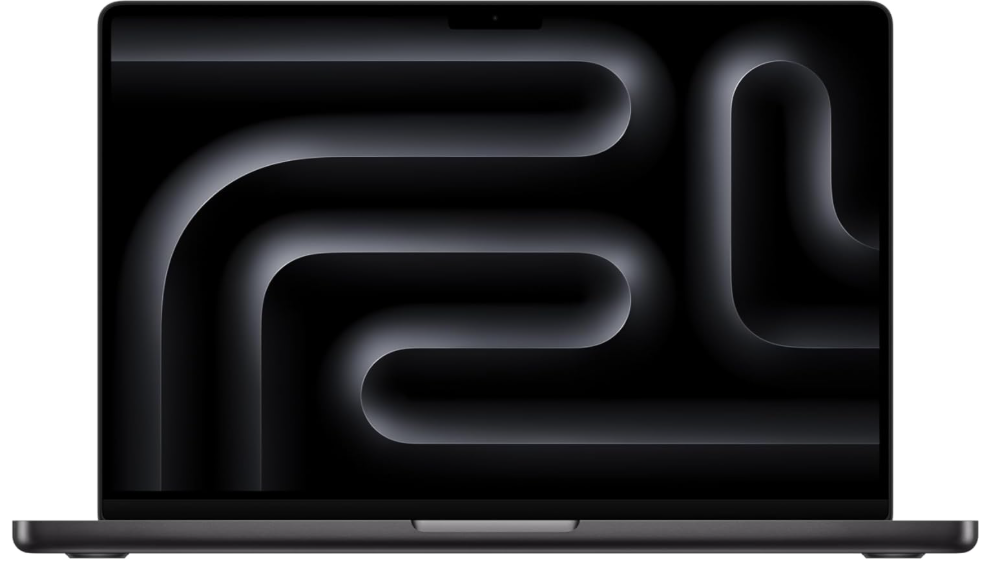
The MacBook Pro 16 with M4 Pro delivers exceptional sustained performance for inference workloads, Python development, and multi-framework ML work. It does not throttle under load the way fan-cooled Windows laptops do. The macOS development experience with Homebrew, Python, and Xcode is mature and developer-friendly. Battery life during non-GPU-intensive work is industry-leading. The limitation is firm: if your workflow depends on CUDA (meaning TensorFlow GPU acceleration, TensorRT, or NVIDIA-specific tooling), this laptop is not the right choice. If you work in PyTorch with MPS support, llama.cpp, or JAX on Metal, it is excellent.
Apple MacBook Air M5: Best AI Laptop for Most General Users
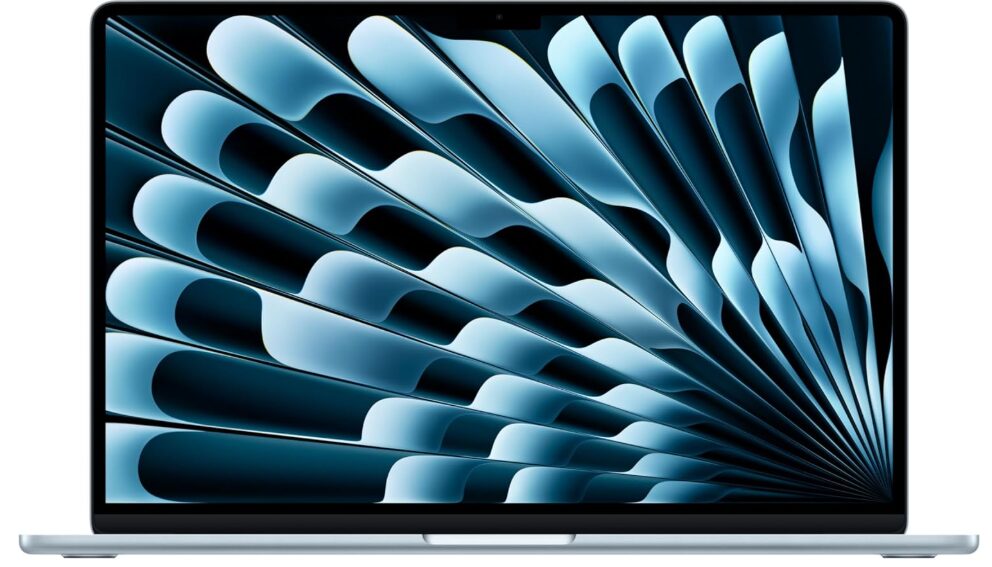
For users who do not need GPU training and instead rely on cloud infrastructure for heavy workloads while doing local inference, scripting, and development, the MacBook Air M5 delivers strong AI performance without a fan. It now ships with 512GB storage by default, addressing the previous model’s storage constraints. The Neural Engine handles on-device AI tasks efficiently. Sustained heavy workloads will eventually cause the fanless design to throttle, making it a poor choice for hour-long local training runs.
Also read: Apple MacBook Air M5 (2026) Review: Best Laptop for AI?
What About Budget AI Laptops?
Acer Nitro V 16s AI
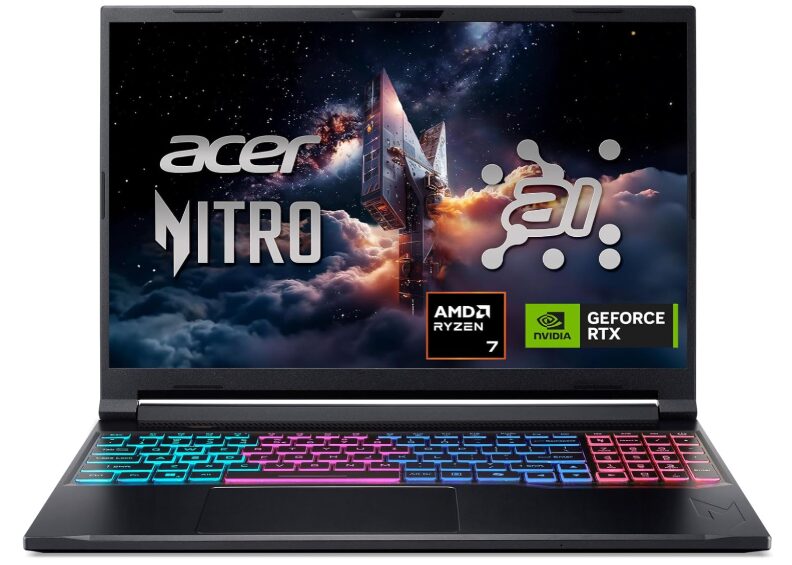
Entry-level options have improved significantly in 2026. The Acer Nitro V 16 AI with an RTX 5060 GPU represents the floor of what is viable for CUDA-based experimentation. While 8GB VRAM limits the models you can run locally, it is sufficient for learning PyTorch, fine-tuning small models, and running quantized LLMs. For students and hobbyist ML practitioners who plan to offload heavy training to Google Colab or cloud services, this is a reasonable starting point.
Lenovo IdeaPad Slim 3x
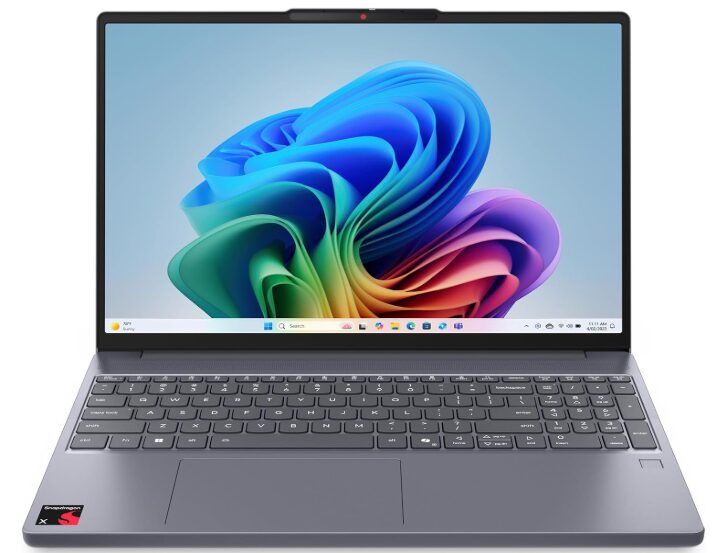
The Lenovo IdeaPad Slim 3x is worth noting for users whose AI work happens primarily through Windows Copilot+ features and background NPU-accelerated tasks rather than explicit model training. Its Snapdragon X silicon packs an impressive NPU and delivers strong battery life. It is not a training machine, but for developers using cloud AI APIs or working in lightly AI-assisted workflows, it is genuinely capable.
What Are the Most Common Mistakes When Buying an AI Laptop?
The most frequent mistake is buying a thin-and-light laptop with impressive peak specs and discovering its thermal limits within the first week of sustained use. A laptop that benchmarks at 90% of a workstation’s speed for 10 minutes before throttling to 60% will lose a training race against a heavier laptop that sustains 75% consistently.
The second common mistake is confusing NPU marketing with GPU compute. In 2026, virtually every laptop is marketed as an “AI PC” because it contains an NPU. NPUs are useful for specific background tasks like camera enhancement, noise suppression, and real-time translation. They do not accelerate PyTorch model training. Buyers should not conflate NPU TOPS ratings with AI workload performance.
A third mistake is underestimating VRAM requirements. A 6GB VRAM GPU was borderline in 2024; by 2026 standards it is a bottleneck for any local training task. Skimping on VRAM forces CPU offloading, which is dramatically slower and often makes workloads impractical to run locally at all.
Mistakes to avoid:
- Prioritizing laptop thinness over thermal headroom
- Treating NPU specs as a substitute for GPU VRAM
- Buying less than 12GB VRAM if local training is part of your workflow
- Ignoring sustained performance data in favor of peak benchmark numbers
- Choosing less than 32GB system RAM for active ML development
Frequently asked questions
12GB VRAM is the practical minimum for serious local training. 8GB is viable for inference and running quantized models, but will limit the size of models you can train or run unquantized. If budget allows, 16GB is the better long-term choice.
Yes, with caveats. PyTorch supports Apple’s Metal Performance Shaders (MPS) backend, which works well for many training tasks. However, if your project uses CUDA-specific libraries, TensorRT, or NVIDIA tooling, a MacBook will not run those components. Apple Silicon is excellent for inference, experimentation, and MPS-compatible training.
Often yes. Gaming laptops like the Razer Blade series and ASUS ROG Zephyrus tend to have the large chassis needed for adequate thermal management, discrete NVIDIA GPUs with meaningful VRAM, and high-speed RAM. They are frequently better AI workstations than thin professional laptops at equivalent price points.
Not for model training or inference via GPU. NPUs handle specific background AI features in Windows 11. For running local LLMs, training models, or doing serious ML development, GPU compute matters far more than NPU ratings.
Running locally means your data stays on your machine, latency is lower, and there are no API costs. The trade-off is hardware investment and VRAM limits. Cloud platforms like Google Colab, AWS, or Azure give you access to A100s and H100s without upfront cost, but introduce latency, cost per compute hour, and data transfer concerns. Most developers use both: local for development and experimentation, cloud for large training runs.
GPU-based workloads age faster than general computing. A laptop with 8GB VRAM that handles 2024-era models may struggle with 2027 models as parameter counts grow. Buying the most VRAM you can reasonably afford extends the useful life of the machine significantly.
The RTX 5070 (12GB VRAM) handles the majority of local ML tasks well and is meaningfully cheaper. The RTX 5080 adds more compute throughput and potentially higher VRAM configurations, which matters for training larger models locally. If you do active training rather than just inference, the 5080 is worth the premium.
Final words
Choosing the right AI laptop in 2026 comes down to one question: do you need CUDA, or can you work with Apple Silicon? For training-focused workflows using PyTorch, TensorFlow, and the broader NVIDIA ecosystem, the Razer Blade 14 is the best value pick, while the ASUS ROG Zephyrus G16 and Razer Blade 16 serve heavier workloads. For inference, on-device AI, and Apple-native development, the MacBook Pro 16 M4 Pro is the clear winner.
Start by auditing your actual workflow: identify whether your tools require CUDA, note the VRAM requirements of the models you use, and choose accordingly. Avoid the trap of letting NPU marketing or thin-laptop aesthetics distract from the specs that actually drive AI performance.