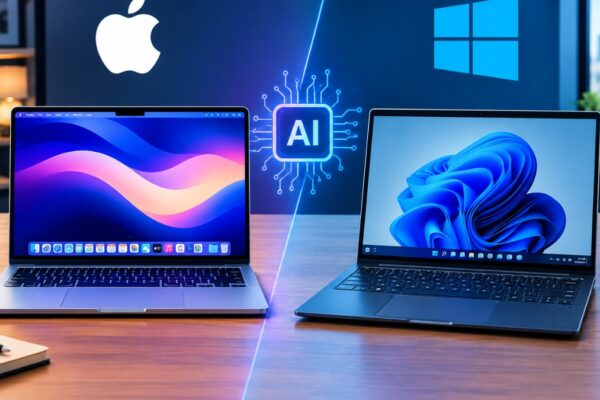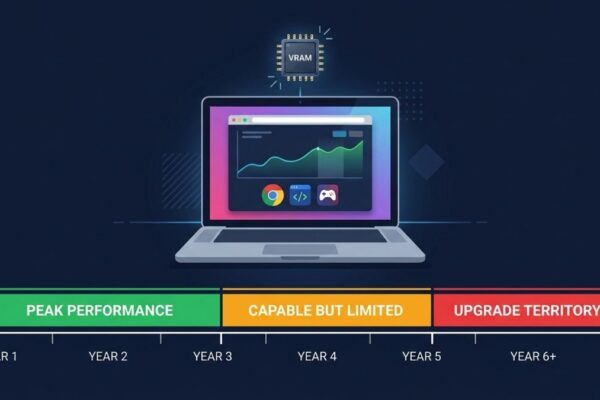

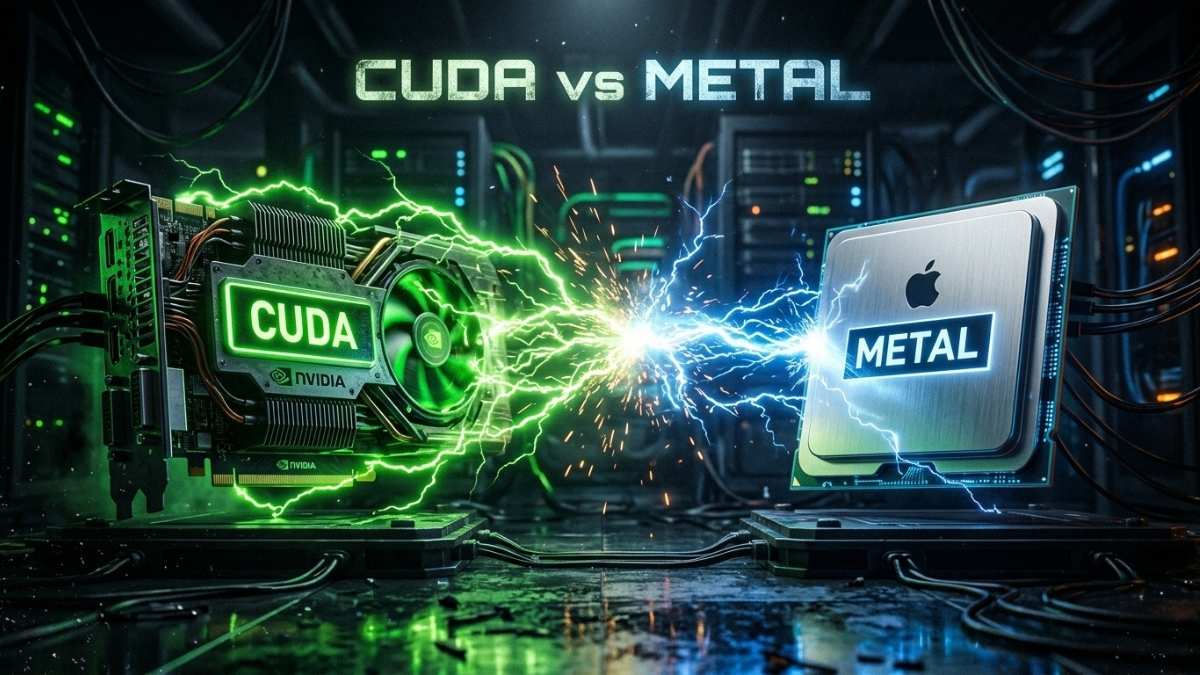
CUDA is better for machine learning when your workflow depends on training, fine-tuning, or tools that require NVIDIA-specific libraries like cuDNN, TensorRT, or NCCL. Apple Metal (via MPS and MLX) is better when your work is primarily inference, local LLM experimentation, or Python-based development where cross-platform support is sufficient. CUDA has a 15-year head start in ecosystem maturity and remains the default for production ML. Metal is closing the gap fast for inference workloads and is a legitimate choice for developers who do not need CUDA-specific tooling.
Why Does This Choice Matter for ML Developers?
Choosing between CUDA and Apple Metal is not a preference question. It determines which tools you can use, which libraries will work without modification, and whether your laptop can run the specific models and pipelines your project requires. Most ML tooling was written with CUDA in mind first, and Metal support was added later, with varying degrees of completeness.
The question has become more pressing in 2026 because Apple Silicon has matured significantly. The M4 Pro and M5 chips deliver genuine inference performance with unified memory that rivals discrete GPU VRAM at equivalent capacities. Developers who previously ruled out Macs for ML work are revisiting that decision, and buyers need a clear framework for deciding which platform actually fits their workflow.
What Is CUDA and Why Does It Dominate Machine Learning?
CUDA (Compute Unified Device Architecture) is a platform and SDK developed by NVIDIA that allows developers to use NVIDIA GPUs for general-purpose computing using C, C++, and Python. Since its introduction in 2006, CUDA has become the de facto standard for parallel computing in AI and machine learning. The entire ecosystem of production ML tooling, including PyTorch’s default backend, TensorFlow GPU support, cuDNN for deep learning primitives, TensorRT for inference optimization, and NCCL for multi-GPU communication, is built on CUDA.
CUDA’s dominance comes from two compounding advantages. The first is raw performance: NVIDIA GPUs feature Tensor Cores designed specifically for matrix multiplication at mixed precision, delivering throughput that Metal-accelerated GPUs cannot match at equivalent price points for training workloads. The second is ecosystem depth: over 15 years of libraries, pre-trained model checkpoints, research code, and tooling have been written for CUDA. Switching platforms means auditing every dependency in your stack, not just changing a flag.
NVIDIA invests billions annually to enhance its technologies and support developers. Features like Tensor Cores and tools like NVLink solidify its position as the leading choice for deep learning at scale. For any serious training workload, especially fine-tuning large models, multi-GPU runs, or production inference pipelines, CUDA is still the correct default.
What Is Apple Metal and How Does It Work for ML?
Metal is Apple’s graphics and compute API, serving as the low-level interface between software and Apple Silicon GPUs. For machine learning specifically, Metal is accessed through two higher-level frameworks: Metal Performance Shaders (MPS) and MLX. MPS is the abstraction layer that allows frameworks like PyTorch and JAX to run on Apple Silicon with minimal code changes, translating standard GPU operations into optimized Metal instructions. MLX is Apple’s own native ML framework, built to fully exploit the unified memory architecture and specialized hardware units of Apple Silicon chips.
The core architectural difference is that Metal operates on a unified memory model where CPU and GPU share the same physical memory pool. This eliminates the PCIe data transfer bottleneck that affects discrete NVIDIA GPUs, where data must move between system RAM and VRAM before the GPU can process it. For inference workloads with large models, this means an M4 Pro with 36GB unified memory can load a 30B quantized model without any memory transfer overhead, something that would require two discrete GPUs on a Windows machine.
The practical limitation of Metal for ML is software ecosystem coverage. Using containers, especially via Docker, remains problematic for GPU utilization on Apple Silicon. Metal requires direct hardware access, which Linux containers running in a virtual machine cannot obtain. Development environments must often run natively on macOS to benefit from hardware acceleration, which creates a mismatch with production infrastructure that typically runs Linux and CUDA.
How Do CUDA and Metal Compare on Real ML Benchmarks?
For training workloads, CUDA holds a substantial lead. Benchmarks show that a model like ResNet-50 runs about 3 times slower on Apple Silicon than on an RTX 4090, though with over 80% lower energy consumption. Research profiling Apple Silicon for LLM training confirms that kernel launch latency on CUDA devices is still much lower than on Apple Silicon, and that training performance gaps are most pronounced in operations requiring high memory bandwidth throughput, such as large matrix multiplications in transformer architectures.
For inference, the picture is more competitive. MLX is particularly effective for local language model inference, generating up to 50 tokens per second on a quantized 4-bit Llama 3B on M-series hardware. An M4 Max with 64GB unified memory can run 70B parameter models locally that would require dual 24GB discrete GPUs on a Windows machine, making Apple Silicon genuinely compelling for inference at scale on consumer hardware.
The summary is straightforward: for training, CUDA wins by a significant margin. For inference on large models that benefit from unified memory, Apple Silicon is competitive and sometimes superior, particularly when the comparison includes power consumption and thermal behavior under sustained load.
Which Workflows Should Use CUDA and Which Should Use Metal?
CUDA is the right choice when your work includes any of the following: training models from scratch or fine-tuning with full precision, using libraries that have CUDA-only implementations (TensorRT, NCCL, Flash Attention, xFormers), deploying models to Linux production servers where CUDA is the target environment, or working in a team where shared code assumes CUDA. If you are unsure whether your tools rely on CUDA, that uncertainty alone is a signal to check before buying Apple Silicon, because discovering an incompatibility after the fact is a frustrating and expensive mistake.
Metal and Apple Silicon are the right choice when your work centers on inference and local LLM experimentation, Python-based development where MPS or MLX support is sufficient, workflows that benefit from the large unified memory pool (running 30B to 70B models locally), or environments where battery life and thermal performance during extended use matter. Apple Silicon is also well-suited to developers who work primarily through cloud infrastructure for heavy training runs and use their local machine for development, testing, and lightweight fine-tuning via QLoRA.
The honest middle ground is that many developers use both: a MacBook for daily development, inference testing, and code editing, and cloud CUDA instances for actual training runs. This hybrid approach gives you the battery life and portability of Apple Silicon without giving up CUDA access for the workloads that require it.
What Are the Ecosystem and Tooling Differences Between CUDA and Metal?
CUDA’s ecosystem is the single most important practical difference between the two platforms. PyTorch, the dominant ML framework, has supported CUDA as its primary GPU backend since its inception. Hugging Face, the de facto hub for models and datasets, tests and validates most model cards against CUDA first. Research papers release CUDA code. Pre-trained models are quantized and packaged for CUDA runtimes. The surface area of CUDA-dependent tooling is enormous, and Metal support lags in coverage and maturity across most of it.
Metal’s ecosystem is improving rapidly, particularly through MLX and the expanding MPS backend in PyTorch. MLX’s NumPy-like API makes it easy to learn and integrates smoothly with the Python ecosystem. PyTorch’s MPS backend now covers most common training operations, though edge cases and less common operators still fall back to CPU. JAX on Metal has progressed similarly. In 2025 and 2026, several Transformer operator coverage gaps have narrowed, and quantization support has improved meaningfully.
For now, CUDA remains the top choice for AI development due to its unmatched performance and deep integration with software. Metal is the right tool for a well-defined and growing set of inference and development use cases. Developers building on Apple Silicon should audit their specific dependencies, not assume broad compatibility, before committing to a Metal-only workflow.
Frequently asked questions
Yes. PyTorch supports Apple Silicon through the MPS (Metal Performance Shaders) backend. Most standard training and inference operations are supported, though some less common operators still fall back to CPU. For inference and light fine-tuning, MPS is practical. For CUDA-dependent libraries, it is not a replacement.
For inference-focused workflows on Apple Silicon, MLX is often faster than PyTorch with MPS and is worth using. It is not a drop-in replacement for PyTorch in general, as the ecosystem of pretrained models, tools, and libraries built around PyTorch is far larger. Most developers use both depending on the task.
No, not natively. CUDA requires NVIDIA hardware. There are open-source translation projects that attempt to convert CUDA code to Metal Shading Language, but these are experimental and do not cover production-level library dependencies.
Yes, through the tensorflow-metal plugin, which enables GPU acceleration via Metal. Like MPS in PyTorch, coverage is broad but not complete, and performance for training lags behind CUDA on NVIDIA hardware.
For QLoRA fine-tuning of small to mid-size models (7B to 13B) via tools like MLX-LM or Unsloth on Mac, yes. Full fine-tuning and larger models are better handled on CUDA hardware or cloud instances.
CUDA is faster for image generation workloads. Stable Diffusion and Flux run significantly faster on a discrete NVIDIA GPU with sufficient VRAM than on Apple Silicon at equivalent hardware cost. Metal is usable but not competitive for image generation throughput.
Final words
CUDA is the stronger platform for machine learning in 2026, and it will remain that way for training workloads for the foreseeable future. The ecosystem depth, library coverage, and raw throughput for training are unmatched. For developers whose work centers on inference, local LLM experimentation, or Python-based development without hard CUDA dependencies, Apple Metal via MPS and MLX is a genuine and increasingly capable alternative.
Before choosing a platform, audit your actual workflow: list every library and tool you use and check whether each has Metal/MPS support. That single exercise will tell you which platform fits your work, regardless of which laptop you prefer.
Learn more about the best laptops for AI workloads in 2026 →