
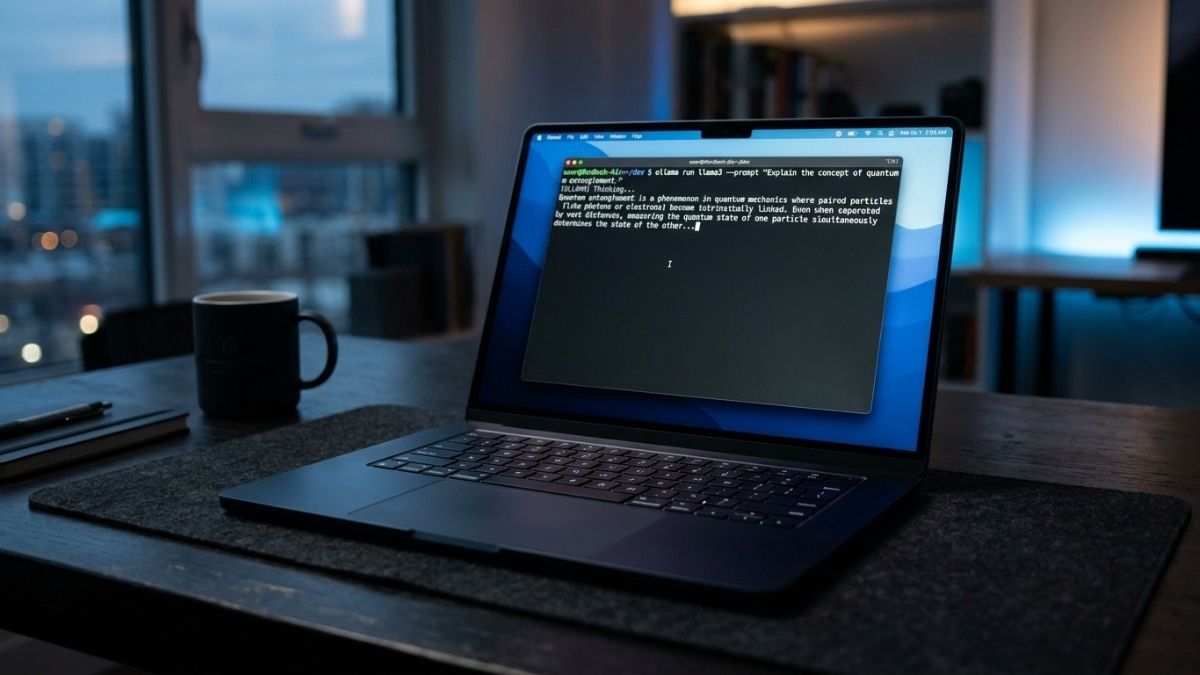
The Apple MacBook Air 15-inch M5 (2026) is an excellent laptop for everyday AI inference, local LLM experimentation, and Python-based ML development, with one non-negotiable caveat. Its fanless design causes thermal throttling within 8 to 15 minutes of sustained LLM inference, cutting token generation speeds by 30 to 50%. For short, interactive AI sessions, it is outstanding. For long agentic pipelines, batch processing, or continuous inference, the MacBook Pro M5 is the better tool. Buy the 32GB unified memory configuration or do not buy it for AI work at all.
MacBook Air M5 Quick Specs
| Spec | Details |
|---|---|
| Chip | Apple M5 (10-core CPU, 10-core GPU) |
| Unified Memory | 16GB, 24GB, or 32GB |
| Storage | 512GB to 4TB SSD |
| Display | 15.3-inch Liquid Retina, 2880×1864, 500 nits |
| Memory Bandwidth | 153 GB/s |
| Neural Engine | 16-core |
| Battery Life | Up to 18 hours (Apple estimate) |
| Connectivity | Wi-Fi 7, Bluetooth 6, 2x Thunderbolt 4 |
| Weight | 3.3 lbs (1.51 kg) |
| Colors | Sky Blue, Midnight, Starlight, Silver |
What Is the MacBook Air M5 15-Inch and Who Is It For?
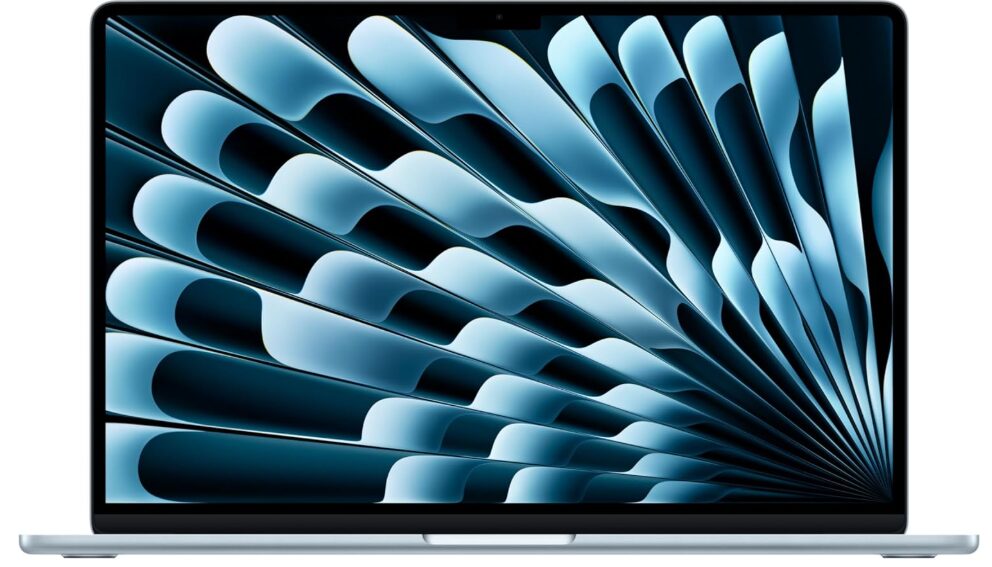
The MacBook Air 15-inch M5 is Apple’s larger mainstream laptop, updated in March 2026 with the M5 chip, Wi-Fi 7, Bluetooth 6, and a bumped base storage of 512GB. The external design is unchanged from the M4 model, retaining the same thin aluminum chassis at 0.45 inches thick. For most buyers, the Air M5 sits between the 13-inch Air (smaller, cheaper) and the MacBook Pro (active cooling, higher-end configurations).
For AI workloads specifically, the M5 Air targets developers doing local LLM inference, Python-based machine learning, and AI-assisted workflows like coding assistants and document processing. It is not aimed at engineers doing serious model training or multi-hour inference pipelines. That use case belongs to the MacBook Pro M5, which has the active cooling system to sustain the M5 chip at full performance indefinitely.
How Does the M5 Chip Improve AI Performance Over the M4?
The M5 chip delivers a 19 to 27% performance improvement over the M4 for LLM inference workloads, according to Apple Machine Learning Research. The primary driver is memory bandwidth: the M4 delivered 120 GB/s, the M5 delivers 153 GB/s, a 28% increase. Since token generation in LLM inference is memory bandwidth-bound rather than compute-bound, this translates directly into faster output speeds.
The M5 also introduces dedicated Neural Accelerators inside each of its 10 GPU cores. These are purpose-built matrix multiplication units that accelerate the attention computations at the core of transformer-based models. In practice, the M5 pushes first-token generation to under 10 seconds for dense 14B parameter architectures, and under 3 seconds for 30B Mixture-of-Experts models, according to Apple’s own MLX benchmarks. That is a meaningful responsiveness improvement for interactive AI sessions.
The Cinebench GPU score for the M5 Air sits at approximately 22,000, compared to approximately 24,000 for the M5 MacBook Pro on the same chip. That 8% gap reflects the thermal headroom difference between a fanless and an actively cooled design. For short workloads, the difference is negligible. For sustained workloads, it compounds into a much larger performance gap as the Air throttles and the Pro does not.
What AI Workloads Does the MacBook Air M5 Handle Well?
For interactive AI sessions under 10 to 15 minutes, the MacBook Air M5 performs excellently. A 32GB configuration runs Qwen2.5-32B and Mixtral 8x7B comfortably at Q4 quantization, models that offer near-GPT-4 class reasoning quality for many tasks. The 16GB configuration is limited to 8B class models, which is sufficient for code completion, summarization, and drafting but not for complex multi-step reasoning. The 24GB configuration handles 14B models well and is a reasonable middle ground.
For batch processing tasks that run in short bursts, local RAG (Retrieval-Augmented Generation) pipelines, and coding assistant sessions with natural pauses between exchanges, the Air M5 is well-suited. The zero-latency local inference, combined with Apple Intelligence integration and privacy guarantees of on-device processing, make it a genuinely compelling daily driver for AI-assisted development work. MLX is the recommended framework on Apple Silicon, delivering 40 to 80% higher throughput than Ollama and llama.cpp on the same hardware, according to iTechWonders.
For image generation, the M5 GPU handles Stable Diffusion tasks meaningfully faster than the M4, with the Neural Accelerators reducing generation times. For short image generation sessions, the Air M5 is capable. For sustained batch image generation, the same thermal constraints apply as with LLM inference.
🖥️Also read: 16GB vs 32GB MacBook Air M5: Which Is Better for AI Work in 2026?
What Are the Limitations of the MacBook Air M5 for AI Work?
Thermal throttling is the central limitation and the one that matters most for AI workloads. The M5 MacBook Air begins thermal throttling within 8 to 15 minutes of sustained LLM inference, a fundamental constraint of its fanless design that no software update can fix. Community benchmarks using thermal logging tools consistently show token generation speeds dropping 30 to 50% below peak performance as the chassis reaches thermal equilibrium, according to SolidAITech. This is not a defect; it is physics. Sustained inference is one of the most thermally intensive workloads a chip can sustain, and passive cooling has a ceiling.
The second limitation is the 16GB base configuration. For AI work, 16GB unified memory is strictly sufficient for 8B class models. It is not enough to run 30B models, handle larger context windows comfortably, or do any meaningful fine-tuning. The gap between the 16GB and 32GB configurations is more significant for AI workloads than for general use, and the 32GB configuration is the only one worth buying if local AI inference is part of your workflow.
The third limitation is the absence of CUDA. No amount of M5 performance changes the fact that the ML ecosystem was built around NVIDIA’s CUDA platform. If your project depends on CUDA-specific libraries such as TensorRT, cuDNN, or Flash Attention, the MacBook Air M5 cannot run them. This is a platform limitation, not a hardware one, and it applies equally to all Apple Silicon machines.
How Does It Compare to the MacBook Pro M5 for AI?
The MacBook Pro M5 and MacBook Air M5 share the same M5 chip, the same memory bandwidth, and the same Neural Accelerators. At peak performance in the first few minutes of any workload, they are nearly identical. The divergence begins after 8 to 15 minutes of sustained inference, when the Air starts throttling and the Pro maintains full performance through multi-hour sessions.
For developers whose AI sessions are primarily conversational and interactive with natural pauses, the Air M5 captures roughly 90 to 95% of the Pro’s real-world AI performance at a lower price point and in a thinner, lighter body. For developers running agentic pipelines, long document analysis sessions, or continuous background inference, the Pro’s active cooling is not a luxury; it is the specification that makes the workflow viable.
The decision is straightforward: if your AI sessions are short and interactive, the Air M5 is the better value. If your AI sessions run long and continuous, the Pro M5 is the right tool.
Display, Design, and Day-to-Day Experience
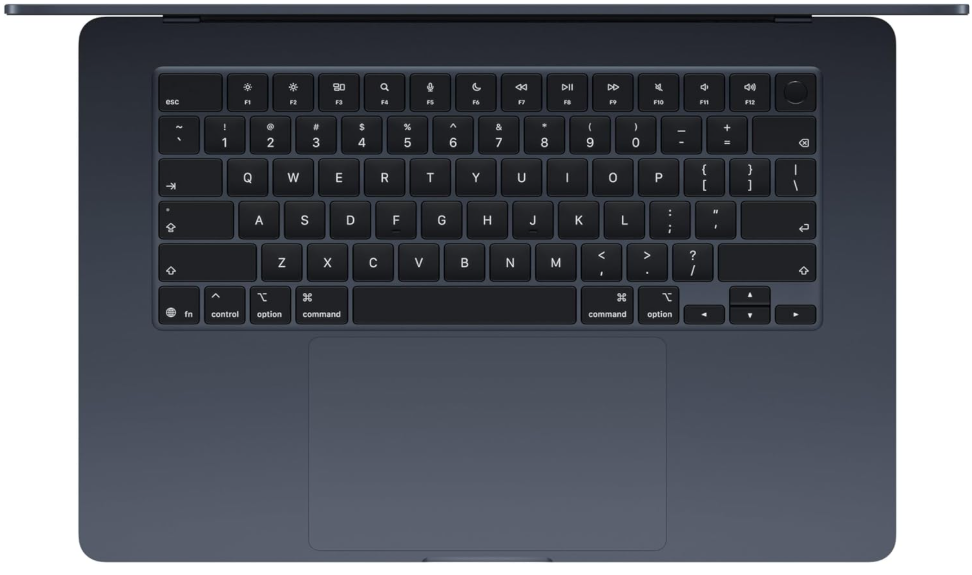
The 15.3-inch Liquid Retina display at 2880×1864 and 224 pixels per inch is sharp, color-accurate with P3 wide color support, and bright enough at 500 nits for most indoor and outdoor use. It is not a ProMotion display and does not support the 120Hz adaptive refresh rate of the MacBook Pro, but at the Air’s price point this is an expected trade-off.
The six-speaker system on the 15-inch model includes force-cancelling woofers and supports Spatial Audio for Dolby Atmos content. Audio quality is noticeably better than most Windows laptops in this class. Battery life is rated at up to 18 hours, and in mixed workloads combining AI-assisted development with general productivity tasks, real-world battery performance is genuinely class-leading. Active AI inference significantly reduces battery duration, but idle and light workload battery life remains the best available in any laptop of this size.
Wi-Fi 7 is a meaningful addition over the M4 Air’s Wi-Fi 6E, reducing latency and improving throughput on compatible routers. For developers who route heavy workloads to cloud infrastructure, faster wireless connectivity has a practical impact on daily workflow speed.
Frequently Asked Questions
Yes, for interactive sessions. It runs 7B to 32B models well on the 32GB configuration. Sessions beyond 15 minutes trigger thermal throttling, reducing speeds by up to 50%. For long-running inference, the MacBook Pro M5 is the better choice.
32GB is the only configuration worth buying for AI work. The 16GB model is limited to 8B class models. For anything in the 14B to 32B range, which delivers meaningfully better output quality, 32GB is required.
For inference-focused workflows without CUDA dependencies, yes. For training, fine-tuning with CUDA libraries, or high-throughput image generation, a discrete NVIDIA GPU still has the advantage.
MLX delivers 40 to 80% higher throughput than Ollama on the same hardware. Ollama is the easiest to set up. LM Studio’s 2026 update added an MLX backend, making it competitive with raw MLX performance in a graphical interface.
Yes, via QLoRA with MLX-LM. The 32GB configuration handles fine-tuning of 7B models. Full fine-tuning of larger models exceeds the Air’s thermal and memory capacity for sustained sessions.
Excellent. The M5 handles video editing, web development, and general productivity at the top of its class. The AI capabilities add to its value without any trade-off in everyday performance.
Final words
The MacBook Air 15-inch M5 is the best fanless laptop for AI inference in 2026. It runs models that previously required expensive discrete GPUs, delivers genuinely useful local AI performance for interactive sessions, and does it all in a thin, light chassis with extraordinary battery life. The thermal throttling limitation is real and non-negotiable, but it only matters for sustained inference workloads lasting more than 15 minutes.
For most developers, the honest workflow recommendation is to use the Air M5 for daily development, interactive AI sessions, and any task involving sensitive data you want kept local, while routing long training runs and sustained inference pipelines to cloud infrastructure or a MacBook Pro.
Buy the 32GB configuration. Use MLX. And know your session lengths before you choose the Air over the Pro.
Learn more about how much VRAM you need for AI workloads in 2026 →