
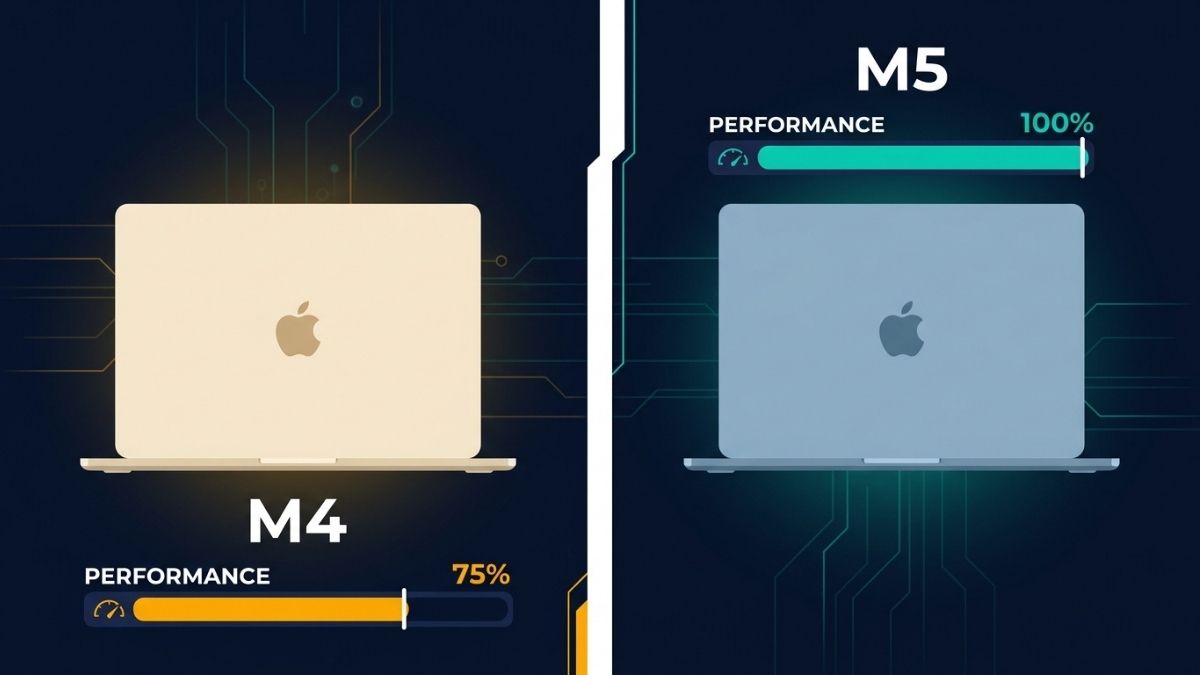
If you own an M4 MacBook Air, the upgrade to M5 is not worth it for general use. The performance difference is real in benchmarks but undetectable in most daily workflows. If you are buying a new MacBook Air today, the M5 is the clear choice: it costs only $100 more than the M4 while doubling base storage from 256GB to 512GB, upgrading to Wi-Fi 7, and delivering up to 4x faster AI task performance. For M2 and older owners, the M5 is a compelling and meaningful upgrade. For M4 owners, wait for the M6.
Quick Specs Comparison
| Spec | MacBook Air M4 | MacBook Air M5 |
|---|---|---|
| Chip | Apple M4 | Apple M5 |
| CPU cores | 10 (4 performance + 6 efficiency) | 10 (4 Super + 6 efficiency) |
| GPU cores | 8-core or 10-core | 8-core or 10-core |
| Memory bandwidth | 120 GB/s | 153 GB/s |
| Neural Engine | 16-core | 16-core |
| Neural Accelerators | No | Yes (in every GPU core) |
| Base storage | 256GB (Gen 3 SSD) | 512GB (Gen 4 SSD, 2x faster) |
| Max storage | 2TB | 4TB |
| Unified memory | 16GB, 24GB, 32GB | 16GB, 24GB, 32GB |
| Wi-Fi | Wi-Fi 6E | Wi-Fi 7 (via Apple N1 chip) |
| Bluetooth | 5.3 | 6 |
| Battery life | Up to 18 hours | Up to 18 hours |
| Design | Same chassis | Same chassis |
| Starting price | $999 (now clearance) | $1,099 |
What Actually Changed Between the M4 and M5 MacBook Air?
Apple made four substantive changes from the M4 to the M5 MacBook Air, with everything else remaining identical. The chassis, display, ports, colors, camera, speakers, and battery are all unchanged. The M5 is the same machine with a faster brain, doubled storage, newer wireless, and a more powerful charger in the box.
The four real changes are: the M5 chip with Neural Accelerators in every GPU core; base storage doubled from 256GB to 512GB with a new Gen 4 SSD delivering approximately twice the read and write speeds of the M4’s Gen 3 drive; Wi-Fi 7 and Bluetooth 6 via Apple’s new N1 wireless chip, replacing the M4’s Wi-Fi 6E and Bluetooth 5.3; and an upgraded 40W Dynamic Power Adapter with 60W Max in the box, replacing the M4’s 30W adapter. That is a meaningful set of improvements in context, but it is an iterative update, not a generational redesign.
How Much Faster Is the M5 Than the M4?
CPU performance is the least exciting part of the upgrade. The M5 delivers up to 15% faster multi-threaded CPU performance than the M4, which is a real but modest gain. For everyday tasks including browsing, writing, spreadsheets, and most developer workflows, the M4 was already more than fast enough and the 15% improvement will not register in daily use.
GPU performance is where the gap opens meaningfully. The M5’s GPU delivers up to 30% faster performance than the M4, and the Metal Compute score jumps from approximately 55,000 on the M4 to approximately 76,000 on the M5, according to Geekbench 6 community results. That is a significant generational leap for GPU-bound workloads including image generation, 3D rendering, and video processing. Memory bandwidth rising from 120 GB/s to 153 GB/s (a 28% increase) directly amplifies this advantage by feeding GPU cores faster.
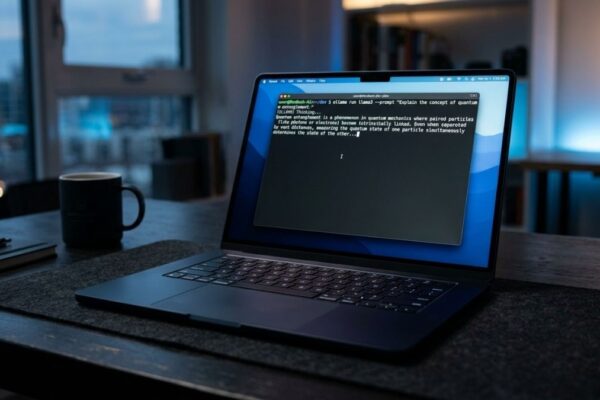
AI performance is where Apple claims the biggest gains. The M5 delivers up to 4x faster performance for AI tasks than the M4, driven by dedicated Neural Accelerators built into every GPU core. This is a genuine architectural change absent from the M4: the M5’s Neural Accelerators handle matrix multiplication operations that previously ran on general GPU shaders, which is why the AI speedup outpaces the raw GPU improvement. For on-device AI workloads including local LLM inference, image generation, and Apple Intelligence features, the M5 is a materially more capable chip than the M4.
🖥️Also read: How to Fine-Tune a Small LLM on a Laptop: Hardware Requirements
Is the M5 Worth It If You Own an M4?
No, for the overwhelming majority of users. Both 9to5Mac and Mark Ellis Reviews reached the same conclusion: if you already own an M4 MacBook Air, the M5 will not meaningfully change your day-to-day experience. The performance improvements exist and are measurable, but they do not translate to a noticeably faster or more capable laptop for typical workloads. You would be paying to replace a machine that is not limiting you.
The exception is if your work is heavily AI-dependent and you regularly push the M4’s limits on local LLM inference or on-device AI tasks. The 4x AI performance gain and the 28% higher memory bandwidth are real advantages for that use case. If you spend significant time waiting for local model responses or notice the M4 lagging on AI tasks, the M5 upgrade is justifiable. For everyone else, the rational move is to wait for the M6.
Is the M5 Worth It If You Own an M2 or Older?
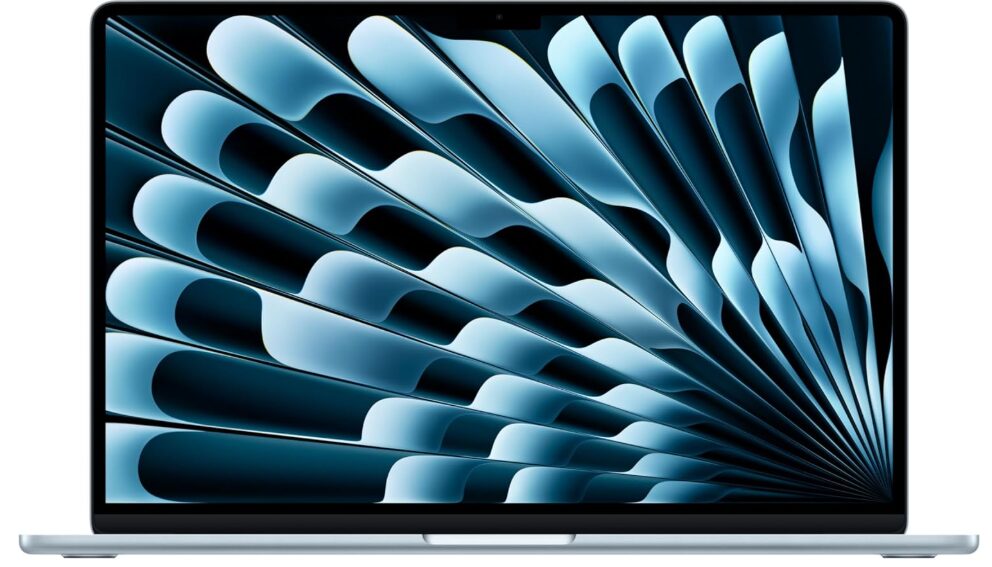
Yes, clearly. The M5 represents four years of Apple Silicon development over the M2, and the cumulative improvements across CPU performance, GPU performance, memory bandwidth, Neural Engine capability, SSD speed, and wireless connectivity add up to a machine that feels substantively different in demanding workloads. The storage situation alone is compelling: the M2 shipped with 256GB as the base configuration, while the M5 starts at 512GB. M2 owners who have been managing storage constraints for years get a meaningful quality-of-life improvement immediately.
For M3 owners, the case is more nuanced. The M3-to-M5 gap is real but less dramatic than M2-to-M5. If your M3 is serving you well, waiting for the M6 is reasonable. If you are noticing limitations in AI tasks, GPU-bound work, or wireless performance on Wi-Fi 6, the M5 is a worthwhile upgrade. For Intel Mac owners, the upgrade is transformational without qualification.
🖥️Also read: Apple MacBook Air M5 (2026) Review: Best Laptop for AI?
How Does the Value Compare for New Buyers Today?
For anyone buying a new MacBook Air in 2026, the M5 is the correct choice and effectively costs the same as a comparably configured M4 would have. The M5 starts at $1,099, which is $100 more than the M4’s $999 launch price. In exchange, you receive 512GB of base storage instead of 256GB. Since Apple previously charged $200 to upgrade the M4 from 256GB to 512GB, the M5 is actually $100 cheaper than an equivalent M4 configuration would have been at launch, according to MacRumors’ analysis.
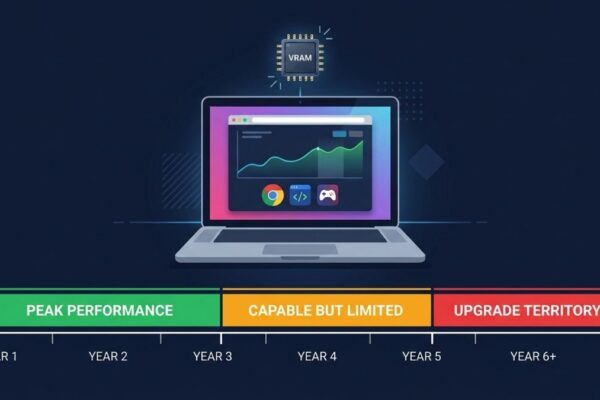
The M4 remains available at clearance pricing and represents outstanding value for budget-conscious buyers. At a discounted price, the M4 MacBook Air is still one of the best laptops ever made and handles every typical professional and student workload with ease. The decision between clearance M4 and current M5 comes down to one question: how long do you plan to keep the machine? For a 3-year ownership horizon, either is excellent. For a 5-plus-year ownership horizon, the M5’s AI capabilities, higher memory bandwidth, and newer wireless stack make it the smarter long-term investment.
🖥️Also read: 16GB vs 32GB MacBook Air M5: Which Is Better for AI Work in 2026?
Frequently Asked Questions
Buy the M5. For $100 more you get double the base storage, Wi-Fi 7, and meaningfully better AI performance. The only reason to choose the M4 today is clearance pricing that makes it significantly cheaper.
For AI tasks specifically, yes. Apple’s testing of a 14-billion parameter model showed 4x faster performance. For CPU tasks, the gain is around 15%. For GPU tasks, around 30%. General productivity tasks will feel identical.
No. The chassis, display, ports, colors, and camera are all identical. The M5 is the same MacBook Air design introduced with the M2 in 2022, with updated internals.
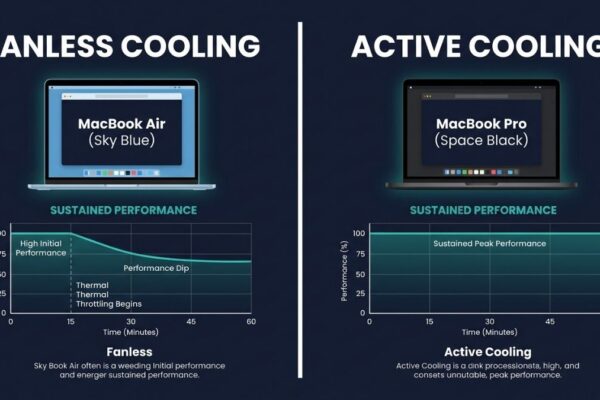
Better than the M4, especially at 32GB unified memory. The Neural Accelerators and higher memory bandwidth deliver faster inference. Thermal throttling under sustained loads over 15 minutes still applies, as it does on any fanless Mac.
Yes. The M5 supports simultaneous use of two external displays when the lid is closed, improving on the M4’s single external display support in clamshell mode.
Neural Accelerators are dedicated matrix multiplication units built into each GPU core on the M5. They handle AI inference operations that previously ran on general GPU shaders, which is why the M5’s AI speedup is disproportionately large compared to its raw GPU improvement.
Final words
The M5 MacBook Air is a better machine than the M4 in every measurable way. But better does not always mean worth upgrading. For existing M4 owners, the practical differences are too small to justify the cost. For new buyers, the M5 is the obvious choice at essentially the same effective price once storage is accounted for. For M2 and older owners, the four-year cumulative improvement makes the upgrade genuinely compelling.
If you are buying today, buy the M5. If you own the M4, keep it and wait for the M6.
Learn more about how the MacBook Air M5 performs on AI workloads in our full review →