
Last Updated on October 17, 2026 by Spencer Lee
Adding RAM only makes local AI faster when your model was spilling out of memory before. Once a model fits, its speed is set by memory bandwidth, the chip doing the math, and whether it runs on the GPU or the CPU, not by how much RAM you have. More capacity mostly lets you load bigger models and longer chats, and those run slower per token. An upgrade can even slow things down if it breaks dual-channel mode or lowers memory speed. Check whether your model fits and where it runs, and buy RAM to run larger models, not to speed up the current one.
Why This Matters
Upgrading RAM is the most common fix people try when local AI feels slow, and it is often the wrong one. A laptop owner doubles memory from 16GB to 32GB, reloads the same model, and sees the same tokens per second. The money is spent, nothing improved, and it is easy to conclude the upgrade failed or the software is broken.
In most cases nothing is broken. Local AI speed has several separate limits, and RAM capacity is only one of them. This article explains the difference between memory capacity and memory bandwidth, shows what published tests measured, and gives a short checklist so you can tell whether more RAM will help your laptop. It builds on our guides to how to run a local LLM with Ollama and how to choose an AI laptop.
When Does Adding More RAM Actually Make AI Faster?
Only when the model was too big for your memory before the upgrade. If part of the model was spilling to disk or to slower memory, adding RAM removes that spill and speed can jump. If the model already fit, extra RAM adds no speed.
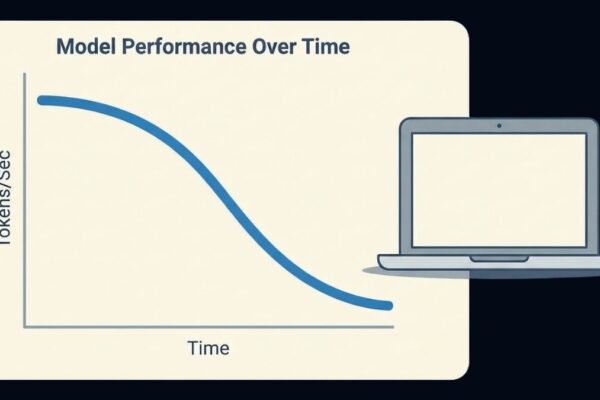
A model needs enough memory for its weights plus a growing record of the conversation. When that total exceeds what is available, the system pushes some of the work onto slower storage or slower memory, and generation can drop sharply. Fixing that is exactly what more RAM does. The giveaway is how the model ran before: if it was crawling at a few tokens per second or the laptop was swapping, capacity was the problem. If it ran steadily and only felt slower than you wanted, capacity was not the limit. Our guide to why AI gets slower after running for a while explains how long chats trigger this spill.
Quick test of whether capacity was your problem:
- The model ran slowly from the first message: you were probably spilling, and more RAM can help
- The model started fast and slowed in long chats: context growth was filling memory
- The model ran steadily at the speed you see now: extra capacity will not change it
Why Does AI Speed Depend on Memory Bandwidth Instead of Memory Size?
Generating each word requires reading the model’s weights from memory, so tokens per second is limited by how fast memory can deliver data, called bandwidth. Capacity only decides whether the model fits. Once it fits, a bigger memory pool does nothing for speed.
A useful rule is that the speed ceiling is roughly memory bandwidth divided by the size of the weights read per token. Published figures show how closely this tracks. A DDR4 dual-channel laptop with about 38GB/s of bandwidth runs a 7B model at roughly 5 to 8 tokens per second, while a DDR5 dual-channel system with about 77GB/s runs the same class of model at roughly 11 to 14. A measured test of a dense 32B model, about 19GB of weights, on DDR5-5600 in dual-channel reached 3.54 tokens per second, matching the real-world bandwidth of about 65GB/s. In that test, switching the CPU governor from powersave to performance made no difference, which confirms the limit was bandwidth and not processor speed.
What this means for an upgrade:
- Doubling capacity at the same memory speed leaves bandwidth unchanged, so speed stays the same
- Faster memory or more channels raises bandwidth, which raises speed
- CPU core count and clock speed matter far less than memory bandwidth for generation speed
Did Your Upgrade Break Dual-Channel Mode or Lower Your Memory Speed?
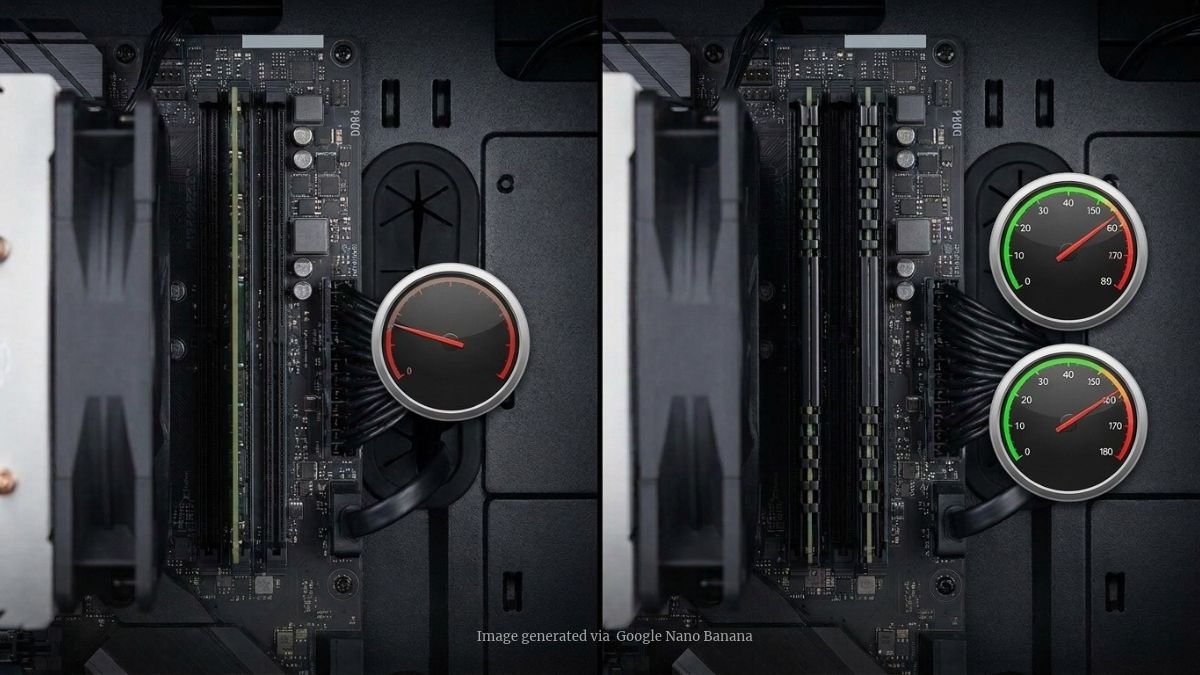
It might have. Two matched sticks in the right slots give roughly double the bandwidth of a single stick at the same speed, and a single stick or the wrong slots cut bandwidth in half. An upgrade that leaves you in single-channel mode or mixes sticks can make AI slower, not faster.
Dual-channel uses two 64-bit paths to memory instead of one, so a 1x32GB configuration loses bandwidth that a 2x16GB kit would have. If you add one stick to a laptop that had one, or put two sticks in slots that share a channel, the system can fall back to single-channel. Mixed sticks may still run in dual-channel but at the slower stick’s speed, and they often fail to reach their rated profile. You can check your configuration with a tool such as CPU-Z, whose memory tab shows the channel mode and speed. Many thin laptops use soldered memory that cannot be upgraded at all, so the amount you bought is the amount you keep.
What to verify after a RAM upgrade:
- Use two matched sticks in the correct slots to keep dual-channel mode
- Check the reported speed, since mixed kits may drop to the slowest stick
- Confirm the channel mode in CPU-Z or a similar tool
- Remember that soldered memory in many ultrabooks cannot be upgraded
Why Doesn’t System RAM Help If Your AI Runs on the GPU?
Because a model running on a discrete GPU lives in the GPU’s own memory, called VRAM, and system RAM is a separate pool. Adding system RAM does not change how much VRAM you have or how fast it is, so a model that already fits in VRAM runs at the same speed.
Also read: How Much VRAM Do You Need for AI Workloads in 2026?
VRAM is also much faster. A modern GPU can deliver over 1TB/s of memory bandwidth, while even fast DDR5 system RAM tops out around 90GB/s in a typical dual-channel setup. That gap is why a model that fits in VRAM is far quicker than one running from system RAM. More system RAM only gives the GPU somewhere to offload layers when the model does not fit in VRAM, and those offloaded layers run slowly, with one diagnostic guide putting the spill at 10 to 15 times slower bandwidth. In that case more RAM keeps the model running, but it will never make an offloaded model fast. The speed fix is more VRAM or a smaller model, as covered in our guide to what laptop specs you need to run ChatGPT locally.
Where RAM helps and where it does not:
- Model fits in VRAM: extra system RAM changes nothing
- Model spills past VRAM: extra RAM keeps it running but at a much lower speed
- Model on integrated graphics or CPU: bandwidth, not capacity, sets the speed
Why Can a Bigger Model Make Things Feel Slower After an Upgrade?
Because each token requires reading all of a dense model’s weights, a bigger model reads more data per token and generates more slowly on the same hardware. After adding RAM, people often load a larger model, and it feels like the upgrade made things worse.
The math shows the cost. At the roughly 154GB/s of an Arc B390 integrated graphics tier, a 4-bit 8B model of about 5GB has a theoretical ceiling near 30 tokens per second, while a 4-bit 32B model of about 19 to 20GB has a ceiling near 7 to 8. Real results land lower. The extra memory made the bigger model possible, and the bigger model is slower by design. The exception is mixture-of-experts models, which activate only part of their weights per token, so they run faster than their total size suggests, though they still need enough memory to hold every weight. If speed matters more than model size, use a smaller or quantized model.
How capacity changes what you run:
- More RAM lets you load larger dense models, which generate more slowly
- A 4-bit 8B model and a 4-bit 32B model differ about fourfold in weights read per token
- Mixture-of-experts models read only active weights, so they are faster than their size implies
- Smaller or more heavily quantized models are the real speed upgrade
Do Macs Work the Same Way?
Yes, but the numbers are tied to the chip tier. On a Mac, unified memory lets the GPU use most of the RAM, so capacity decides which models fit, while bandwidth, which is fixed by the chip, decides how fast they run. More RAM on the same chip does not raise bandwidth.
Apple’s M5 Pro offers up to 64GB at about 307GB/s, while the M5 Max reaches up to 128GB at up to 614GB/s, with a lower 460GB/s tier on some configurations. The base M5 is about 153GB/s. Published benchmarks show generation speed scaling with bandwidth: an 8B Q4 model runs at roughly 50 to 60 tokens per second on the M5 Pro and 100 to 120 on the M5 Max. A 24GB M5 Pro and a 64GB M5 Pro have the same bandwidth, so a model that fits both generates at about the same speed. Unified memory also cannot be upgraded later, so you choose your capacity when you order.
How this plays out on a Mac:
- Capacity sets the largest model you can load, and bandwidth sets how fast it runs
- A higher chip tier raises bandwidth, while extra RAM on the same chip does not
- You cannot add memory later, so size it for the largest model you plan to run
Also read: Mac vs. Windows for AI Work in 2026: Which Is Better?
What Else Could Be Slowing Your AI Down?
If the model fits and bandwidth is not the problem, check where it runs, how long the context is, and whether the laptop is hot or on battery. Each of these can cost more speed than a RAM upgrade ever gives.
The most common hidden cause is the model running on the CPU instead of the GPU. In Ollama, the ollama ps command shows how much of the model is on each. Long conversations slow prompt processing and can fill memory, and heat throttling lowers clock speeds after several minutes of sustained load, as explained in our guide to why AI makes a laptop so hot. On a Windows laptop with NVIDIA graphics, running on battery can cut GPU power well below its plugged-in speed. On Intel integrated graphics, Ollama may need a setting to use the GPU at all, or it silently runs on the CPU.
A diagnostic checklist:
- Run ollama ps and confirm the model is fully on the GPU
- Compare the eval rate before and after the upgrade with the verbose flag
- Check dual-channel mode and memory speed with CPU-Z
- Plug in, use performance mode, and keep vents clear
- Start a fresh chat and set a sensible context length
- If you only wanted speed, try a smaller or more heavily quantized model
FAQ
Only if the model was spilling out of memory before. Once a model fits, tokens per second is set mostly by memory bandwidth and the chip running it, so extra capacity changes nothing.
For generation speed, memory speed and channel count matter more, because bandwidth limits how fast weights are read. Memory size decides whether the model fits at all.
Yes. Two matched sticks give roughly double the bandwidth of one stick at the same speed, and CPU inference speed tracks bandwidth closely.
Not at full speed. The GPU runs fastest when the model fits in its own VRAM, and extra system RAM only gives it room to offload layers, which run much more slowly.
Common causes are a bigger model that reads more weights per token, a loss of dual-channel mode, mixed sticks running at a lower speed, or an unrelated limit such as heat or battery power.
Not by itself. At the same memory speed and channel configuration, a model that fits in both runs at the same speed, and 32GB only lets you load larger models or longer contexts.
Buy RAM if your model does not fit. If the model fits but runs too slowly, you need more memory bandwidth, a stronger GPU, or a smaller model, which usually means a different laptop.
Final words
More RAM did not make your AI faster because speed depends on memory bandwidth, where the model runs, and the chip, while capacity only decides what fits. Extra memory helps when a model was spilling, and it can even hurt if it breaks dual-channel mode or leads you to load a bigger model.
Check where the model runs, confirm your memory is in dual-channel at full speed, and compare tokens per second before and after. If speed is the goal, choose a smaller model or hardware with more bandwidth.
Learn more about how to choose an AI laptop: RAM, VRAM, GPU, NPU, and CPU →